
Adding Categories
Creating Categories
Login to your account
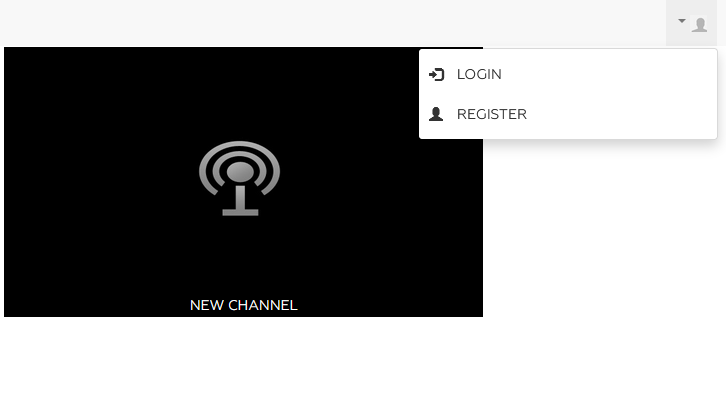
On the home page click on the drop-down box with the person icon and click "Login" or "Register" (only if you are a new user).
Click on media then click on the small green arrow button to expand the category menu. From there click on the small plus icon to add an additional category blank
 You can then set the category name and approve the addition by clicking the blue check mark or delete it by clicking the red X

Simply navigate to the “Media” module and press the “+add” button on the top part of the page.