
Start Here!!
Start here!!
This article will direct you to the first steps you’ll need to take to start using your account.
If you feel like you need some additional guidance on any of the steps, check out the related articles for each step.
Login to your account
On the home page click on the drop-down box with the person icon and click "Login" or "Register" (only if you are a new user).
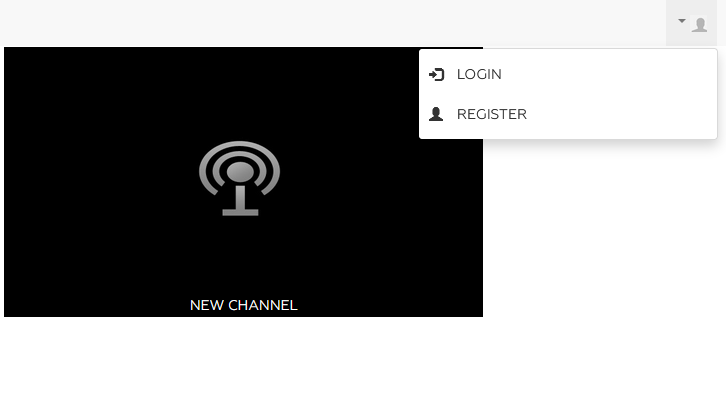
You will be redirected to the following login screen.

To start working, you have to first upload some content to play around with. Click on "Media Management" 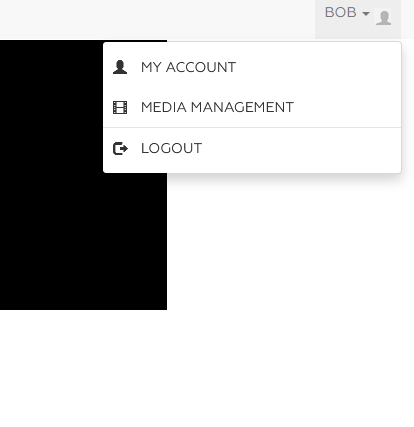
Simply navigate to the “Media” module and press the “+add” button on the top part of the page.
Choose the easiest way for you to add your content.
After adding some videos, the next step would be to start customizing your platform.
Press the "edit" button on any video to find the "Player" tab, and you’ll soon be able to fully customize your player.
Change the colors of your player, add a logo and a watermark.
Now you can already use the embed code you see, to embed your new customized player where you want to use it.
For the next and final stage of the initial onboarding process, choose your channel tag from the categories box.
Next, use the tag feature to name and categorize your content. The content tree you build here is important and will be used all across to organize and filter your content. The tags will make it easier for you to search for specific videos, schedule a tv-like channel.
Now get to work!