
Adding users
Adding Users
Login to your account
On the home page click on the drop-down box with the person icon and click "Login" or "Register" (only if you are a new user).
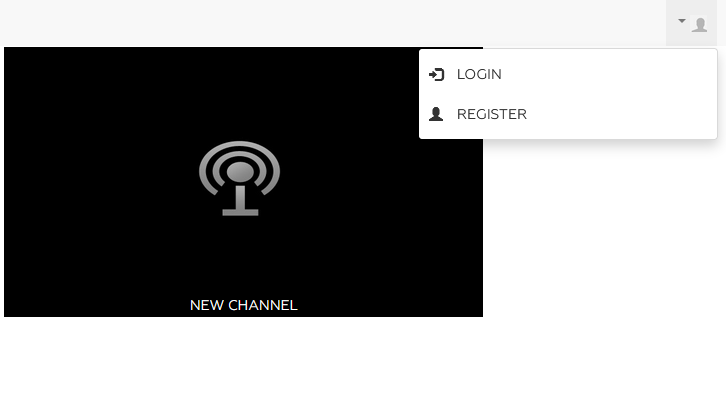
You will be redirected to the following login screen.
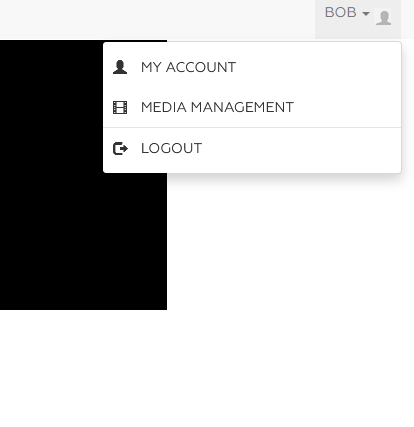
 To start adding users, you will first need to get to your dashboard. Click on "My Account"
Next on the left-hand side click on the small icon of two people

You will be taken to the users page where you will see a list of your current users with descriptions
 To add a new user click on the "New Users" button you will then fill out the information for the new user including clicking on the "role" drop-down to assign a role

 "Contributor" roles are those that can upload content "Viewers" are a restricted role